Хочете будувати кар’єру в Data Science та AI? Vodafone Big Data Lab відкриває новий набір —>
Олександр КузьменкоAI Eng
29 September 2026, 18:50
2026-09-29
Google has connected Gemini artificial intelligence to the Google Wallet application
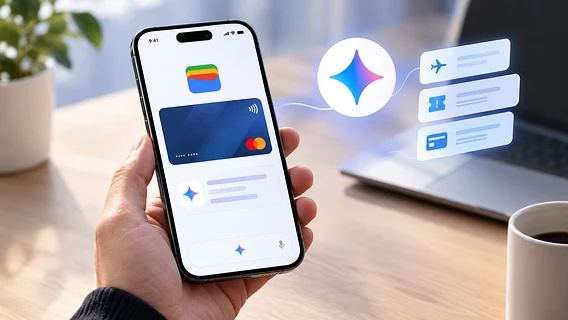
Google is integrating its artificial intelligence chatbot Gemini with the Google Wallet app. The AI assistant can analyze users’ saved tickets, loyalty cards, and financial transactions to summarize spending and provide budget advice.
Google is integrating its artificial intelligence chatbot Gemini with the Google Wallet app. The AI assistant can analyze users’ saved tickets, loyalty cards, and financial transactions to summarize spending and provide budget advice.
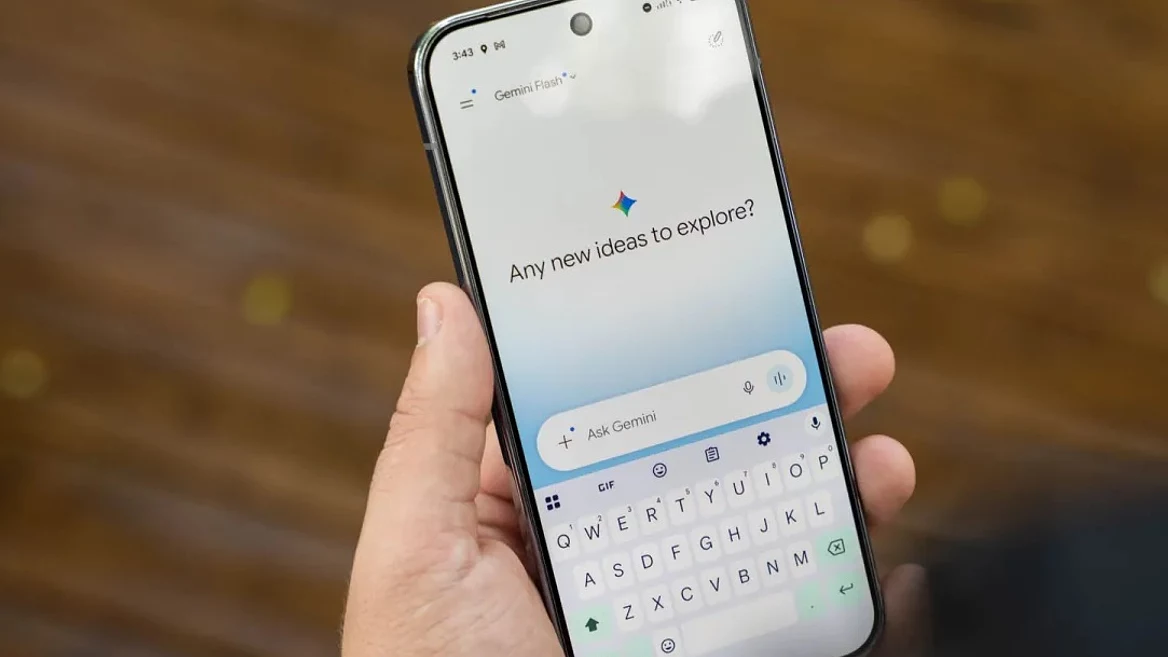
This is reported by Android Police with reference to the official Google support page. The new feature works through the “Connected Apps” section.
Interaction with the wallet is done by mentioning “@Wallet” in a Gemini chat. Thanks to this tool, the AI is able to find information about boarding passes and passes, summarize available bonuses and special offers, and analyze spending for the month (for example, estimate how much was spent on purchases or products) if financial accounts are connected through the Plaid service.
At the same time, Google emphasizes data and financial security: artificial intelligence cannot conduct transactions on behalf of the user and does not receive direct access to connected bank accounts. However, after disconnecting Wallet from Gemini, the saved analysis history is not automatically deleted — this must be done manually in the settings.
The update is currently rolling out gradually and is only available to adults in the US on Android and iOS devices. You can access the feature via Settings > Personal Intelligence > Connected Apps.
OpenAI previously launched ChatGPT for Financial Services, a special version of ChatGPT for banks, investment companies, and financial analysts. It already has professional financial databases built in, and the service itself runs on the new GPT-6 Astra model.