What is the best GPU for 3D animation? We've picked the best option
Creating high-quality 3D animation is an exciting process where boundless creativity meets rigorous technical requirements. Any creative work, especially animation, requires not only a brilliant vision, but also powerful hardware. When you work with complex geometry, multi-layered physics simulations, high-resolution textures, and realistic lighting, weak hardware can kill all enthusiasm due to constant program freezes and endless hours of waiting for rendering.
Creating high-quality 3D animation is an exciting process where boundless creativity meets rigorous technical requirements. Any creative work, especially animation, requires not only a brilliant vision, but also powerful hardware. When you work with complex geometry, multi-layered physics simulations, high-resolution textures, and realistic lighting, weak hardware can kill all enthusiasm due to constant program freezes and endless hours of waiting for rendering.
To turn an idea into reality without compromise, creators need significant power. The dev.ua editorial team talks about NVIDIA GeForce RTX 50 series graphics cards, which are one of the best hardware investments for 3D animators today.
Blackwell Architecture: A Proven Advantage in 3D Animation
The GeForce RTX 50 Series graphics card line is not just another update, it’s an evolutionary leap built on the Blackwell architecture. For 3D graphics professionals, this means accelerating absolutely every workflow.
Based on benchmarks in leading creative applications, the RTX 50 Series delivers unprecedented performance over previous generations. With next-generation RT cores, ray tracing speeds have been dramatically increased. In addition, the Blackwell GPUs feature more powerful Tensor Cores for extreme AI acceleration. And with more VRAM, you can load massive 3D assets and 8K textures into your scene without the risk of application crashes.
How it works in practice: real cases
To understand the real scale of acceleration, let’s look at specific work scenarios that 3D animators and motion designers face every day:
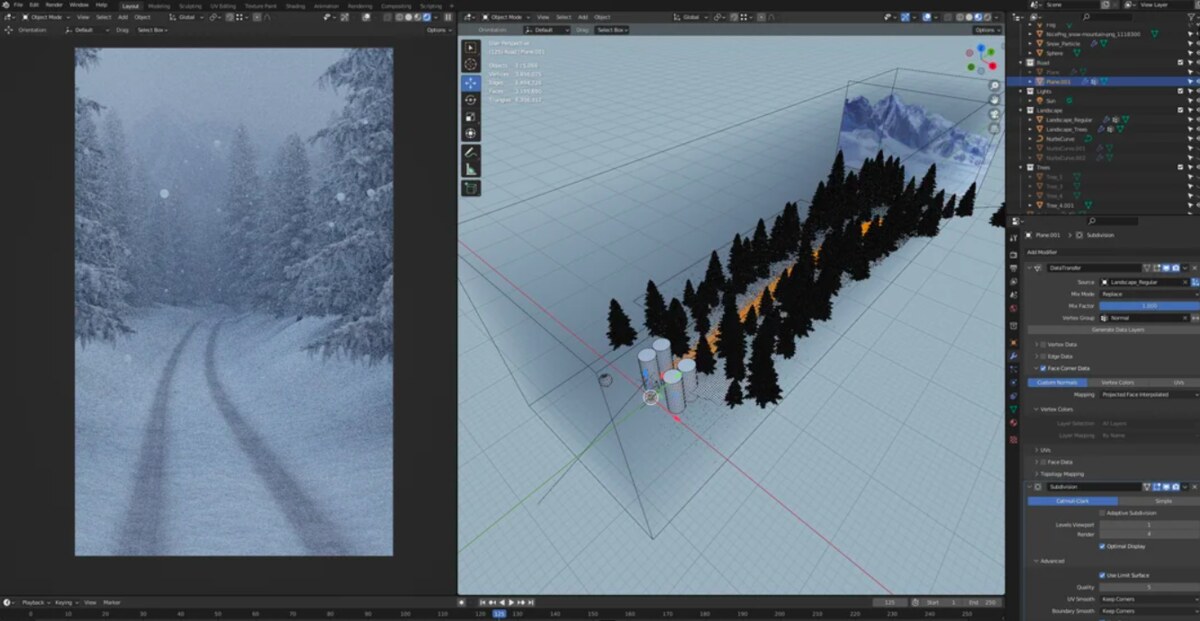
Blender Rendering (Cycles): Imagine creating a dense forest scene with complex volumetric fog (Volumetrics) and hundreds of thousands of polygons. On older graphics cards, the viewport turns into a slideshow. On the RTX 50 Series, you can turn on the final lighting right in the working window. Thanks to OptiX technology and AI denoising (cleaning from noise), the graphics card produces a clean image in milliseconds, allowing you to adjust the lighting in real time. Rendering a 10-second animation that used to take an entire night now takes a few minutes.
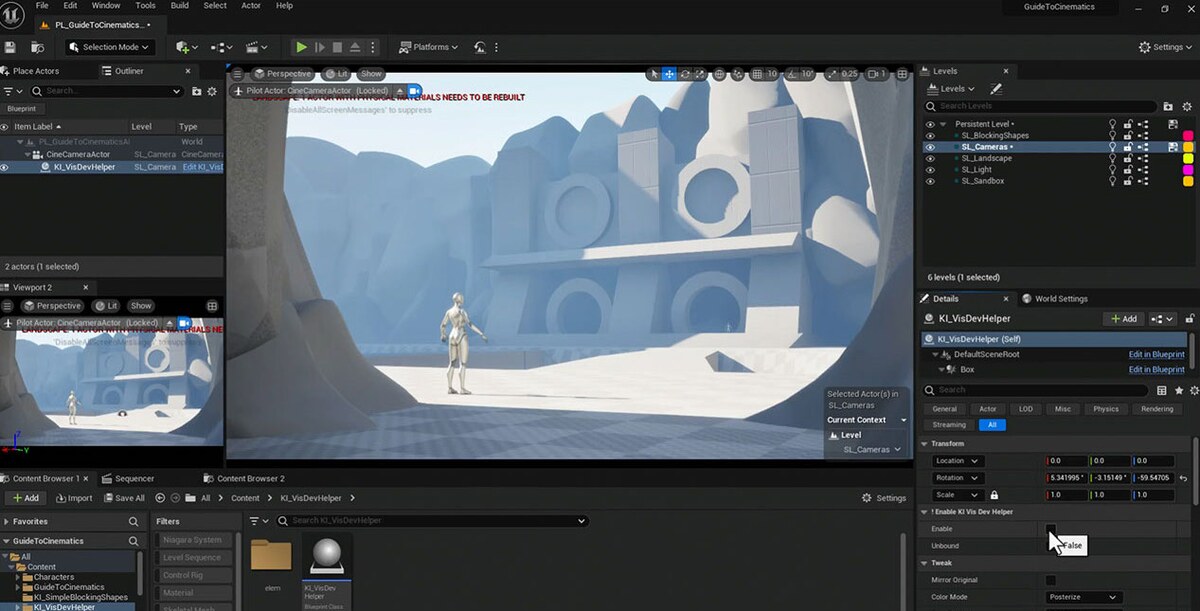
Creating cinematics in Unreal Engine 5: UE5 has become the standard not only for games, but also for 3D animation. The Blackwell architecture allows you to unleash the full potential of Lumen (global illumination) and Nanite (virtualized microgeometry) technologies. You can work with cinematic-quality scenes containing millions of polygons, maintaining a stable 60+ frames per second right while editing the animation timeline.
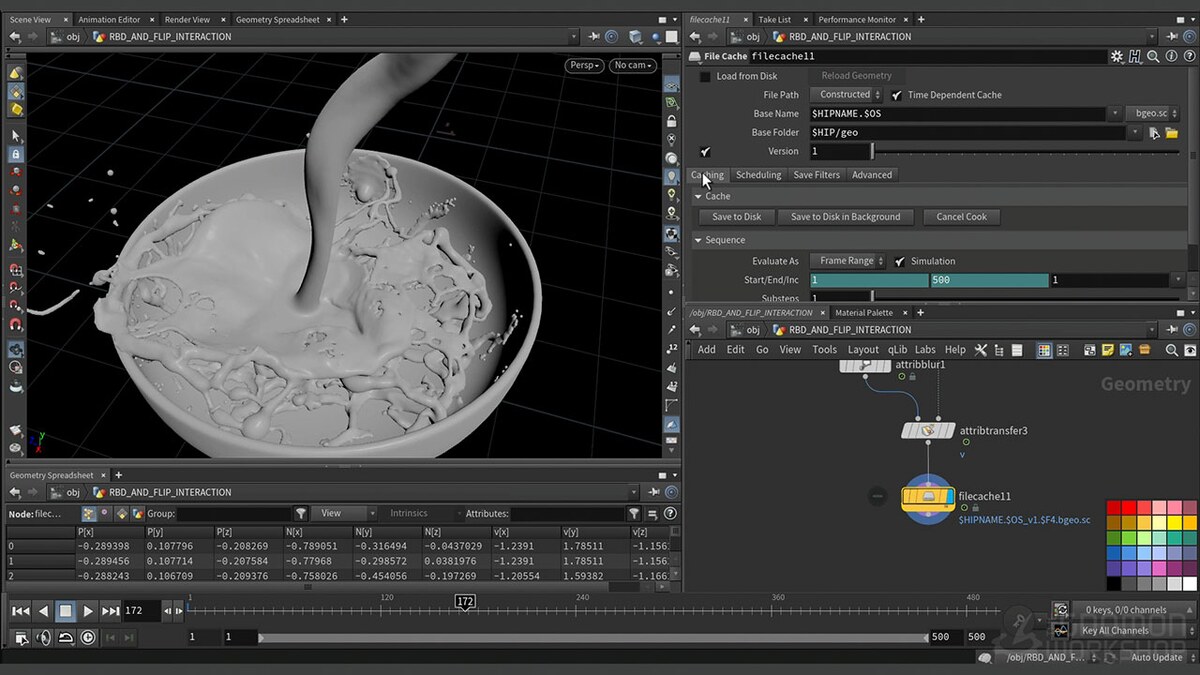
Simulate fluids and fabrics in Houdini or Maya: Calculating water physics, fire physics, or complex clothing physics on characters requires enormous computation. Moving these tasks from the processor (CPU) to the RTX 50 Series CUDA cores speeds up simulation caching by 3-5x. The animator sees the result of the physical interaction of objects almost instantly, allowing for quick edits.
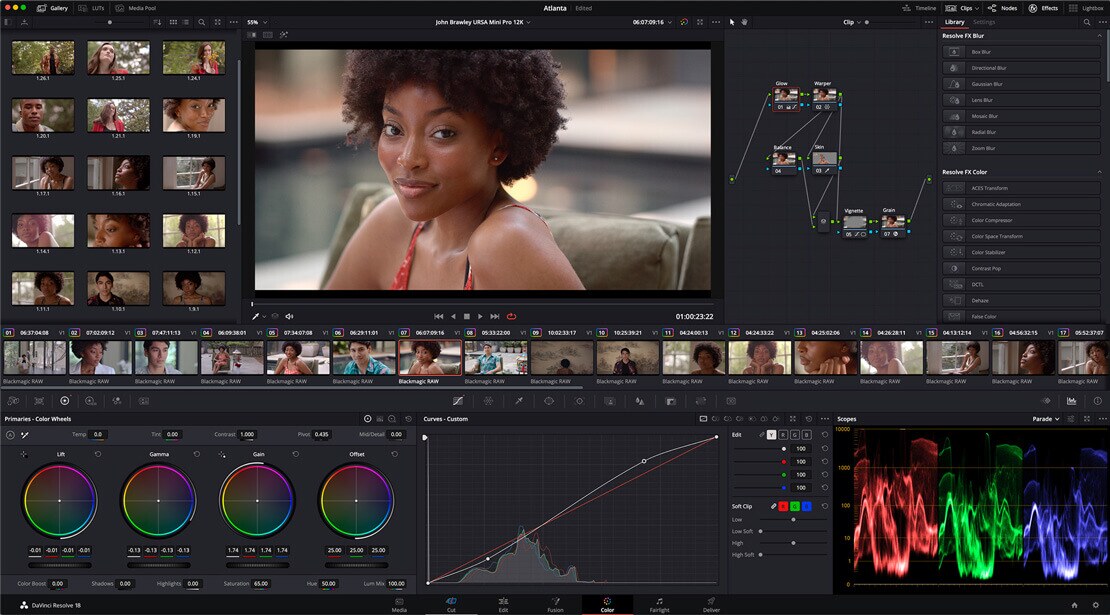
DaVinci Resolve Post-Production: Animation often requires final editing and color correction. With the RTX 50 Series Tensor Cores, AI tools like Magic Mask (automatic object selection for rotoscoping) or Depth Map work incredibly fast. The graphics card is able to smoothly play complex multi-layer compositions with heavy effects applied without prior caching.
What is NVIDIA Studio?
The secret to NVIDIA’s strong position in the creative industries market lies not only in its «pure» hardware power, but also in specialized software. NVIDIA Studio, a comprehensive platform for creators, was developed.
This is an ecosystem that combines high-performance graphics cards, exclusive AI-based tools (such as NVIDIA Omniverse for collaborative work on 3D projects), and, most importantly, specialized drivers (Studio Drivers). These drivers are thoroughly tested in top creative applications (from Adobe to Autodesk), which guarantees maximum system stability during multi-day continuous renderings. Telemart tells more about how this ecosystem works and how it is useful for developers in his review.
Where to find the best equipment for your projects
Choosing the right working configuration for 3D animation requires a balanced approach and confidence in the hardware. Of course, reading about the specifications is one thing, but experiencing the rendering speed yourself is quite another. Fortunately, Telemart offers a wide range of PCs, graphics cards and laptops from the RTX 50 Series line, and customers can test these devices directly in the company’s stationary stores before purchasing. This is a perfect opportunity to come in, launch your own «heavy» project and see for yourself how quickly the latest architecture can cope with your tasks.
In short, professional 3D animation requires cutting-edge solutions. The combination of GeForce RTX 50 Series processing power, workload optimization, and the reliability of the NVIDIA Studio ecosystem makes these devices a good choice for the most ambitious creators.