Хочете будувати кар’єру в Data Science та AI? Vodafone Big Data Lab відкриває новий набір —>
Наталя ХандусенкоMoney
22 October 2026, 16:06
2026-10-22
Privat24 now allows you to manage accounts of other banks: how the new open banking service works
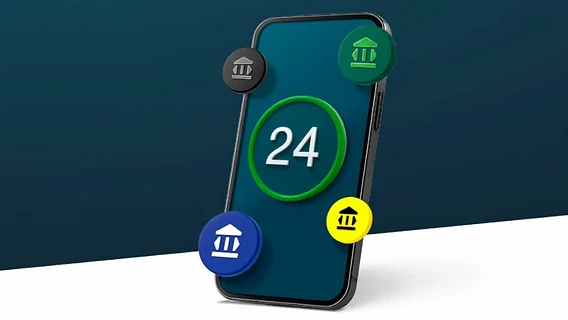
PrivatBank announced the launch of the Open Banking system in the Privat24 application and the web version of Privat24 for Business. From now on, bank clients can, with their own consent, add accounts of other financial institutions to view their balances, transaction history, and make transfers and top-ups in a single ecosystem.
PrivatBank announced the launch of the Open Banking system in the Privat24 application and the web version of Privat24 for Business. From now on, bank clients can, with their own consent, add accounts of other financial institutions to view their balances, transaction history, and make transfers and top-ups in a single ecosystem.
Open banking is a European standard for financial market regulation (regulated by the PSD2 directive) that allows for the secure exchange of data between banks and financial services.
Which banks can already be connected?
At the first stage of implementation, the function is available to a limited list of financial institutions, but PrivatBank is actively working on its expansion:
In the Privat24 mobile application (for individuals):
JSC "Universal Bank" (including monobank business accounts).
In the future, customers will be able to add cards and accounts of any Ukrainian financial institution that supports Open Banking technology.
How to connect another bank account to Privat24
To add a card or account from another financial institution, users just need to follow a few simple steps:
Go to the "All" section at the top of the Privat24 main screen.
Select the "Open Banking" item.
Click "Add account".
Enter the required details of the account you plan to connect.
The banking institution emphasizes that providing access is completely voluntary, and consent to the processing and display of data can be revoked in the settings at any time.
The Ministry of Defense launches the MORE++ project in "Army+" with additional discounts for military personnel: PrivatBank and WOG were the first to join