Олександр КузьменкоMoney
26 November 2024, 18:53
2024-11-26
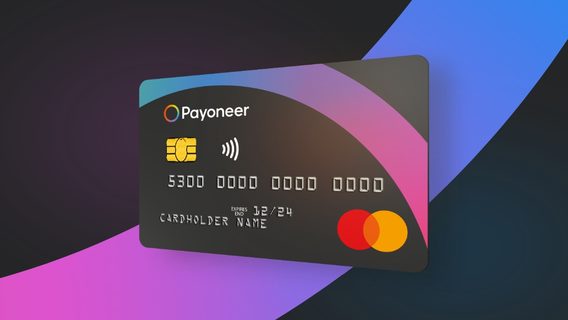
The Payoneer payment service has started to inform Ukrainians about changes in money withdrawal
The ITC publication reports that the online payment processing platform Payoneer has started sending letters to its users in Ukraine about the changes that will come into effect at the beginning of next year. What do they predict?
The ITC publication reports that the online payment processing platform Payoneer has started sending letters to its users in Ukraine about the changes that will come into effect at the beginning of next year. What do they predict?
These changes will be implemented in accordance with the new Ukrainian banking regulations, according to which from January 27, 2025, users will not be able to withdraw funds to payment card numbers issued by Ukrainian banks. Users are encouraged to update their payment details in their Payoneer account settings.
«To prevent any disruptions to withdrawals, please update your bank details in your Payoneer account to IBAN (International Bank Account Number) as soon as possible,» the letter said.
Since bank cards already have an IBAN account number, there is no need to open a new account. But it will be necessary to enter the number of the existing account in IBAN format.
IBAN is an international bank account number consisting of the letters UA and 29 characters (letters and numbers). The Ministry of Digital Transformation of Ukraine has created instructions on its website for most Ukrainian banks that allow you to find out the IBAN number of your account.
For example, to find out the IBAN in «Privatbank» you need:
In «Privat24» (Select a card by clicking on its image -> Go to card management by clicking on the «gear» at the top of the screen -> Select «Properties»).
In the self-service terminal (menu «My settings» -> «Get details»).
In the ATM (menu «Other operations» -> «My settings» -> «More settings» -> «Details for card top-up»).
By calling the support service 3700.
For monobank, you need to click on «Top up your card» on the main screen, and click on the IBAN field in the «details in Ukraine» menu.